Updated March 6, 2026

Exam Seating Arrangement Generator for Schools

Create a printable, conflict-free school exam seating plan with a free seating arrangement generator designed for teachers. Auto-assign students, handle absentees, and export room-wise charts in seconds.

Free school seating arrangement generator Printable exam hall charts CSV and Excel export Local browser save
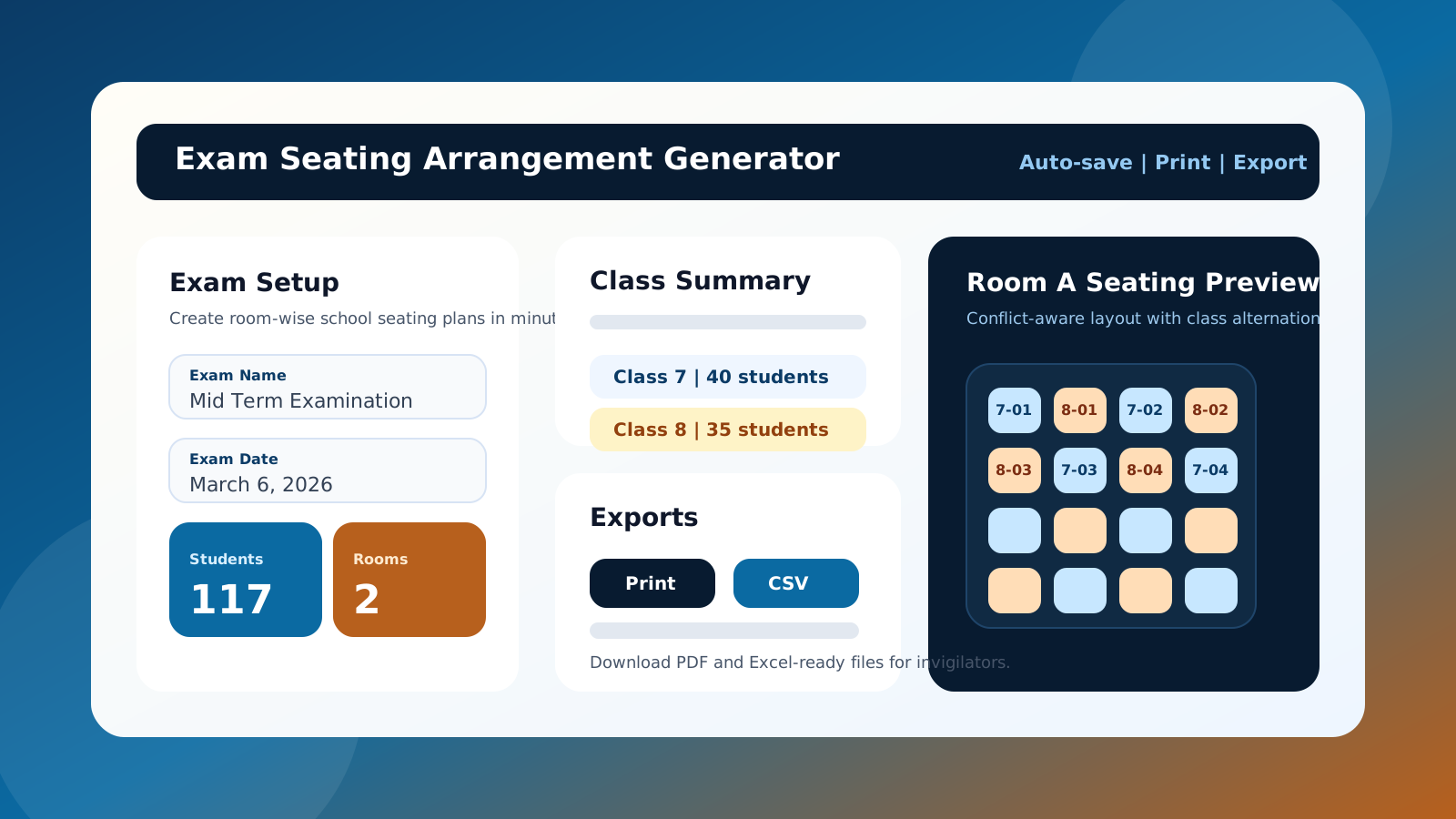
Printable school exam seating arrangement dashboard preview for teachers
High-contrast preview image for Google Discover, AI search overviews, and social sharing cards.

Best For

School exams, unit tests, admission tests, and board practice seating plans.

Time Saved

Turn manual seat allotment work into a repeatable 3-step flow.

AI Search Ready

Short answers, FAQs, schema, and structured sections built in.

Featured Snippet Answer

What is an exam seating arrangement generator?

An exam seating arrangement generator is a tool that automatically assigns students to seats and rooms while helping teachers keep classmates separated. Schools use it to create room-wise exam hall seating charts, printable invigilator lists, and downloadable files without manual seat shuffling.

Popular use cases

  • Board exam seat allotment
  • Room-wise school seating charts
  • Alternate seating arrangement for teachers
  • Printable exam hall plans with absentees removed

Why schools choose it

  • Fast input for classes and rooms
  • Conflict-aware seat spacing
  • One-click print, CSV, and Excel export
  • Progress saved in local browser storage
Voice Search And AI Answers

Popular teacher queries answered clearly

How to create an exam seating arrangement?

Enter classes, roll ranges, absentees, and room sizes, then click Generate Seating Plan to get a room-wise chart instantly.

Is there a free school seating arrangement generator?

Yes. This page runs fully in the browser and lets teachers print or export school seating plans without a paid login.

What is the best seating arrangement generator for teachers?

The best tool is the one that balances seat spacing, supports multiple classrooms, handles absentees, and exports clean print-ready charts. This page focuses on that workflow.

Can I save and reuse the exam seating plan?

Yes. Your setup can be auto-saved in this browser, and you can also download or reload JSON configuration files.

Free Tool Section

Build a room-wise school exam seating plan

Use this free seating chart generator to create a printable exam seating arrangement, reduce manual errors, and keep your invigilation team aligned with the same room-wise output.

Auto Save

Auto-save is ready in this browser.

Call To Action

Generate a printable, conflict-free exam seating arrangement now

This automatic seating arrangement generator for teachers creates room-wise charts you can review, print, and share with your staff immediately.

Step-By-Step Guide

How to create an exam seating arrangement in four steps

This section is written for featured snippets, AI overviews, and voice search. It answers the exact query teachers use when they search for a free school exam seating arrangement generator.

Step 1

Add exam details

Enter the exam name and date so your print-ready seating chart carries the right label.

Step 2

Insert classes and absentees

Add each class with roll ranges, then remove absent or exempt students by ID before generation.

Step 3

Configure rooms

Add each classroom or hall with the exact number of rows and columns to calculate usable seating capacity.

Step 4

Generate, print, and export

Create the final room-wise exam seating plan, then print it or export CSV and Excel for your staff.

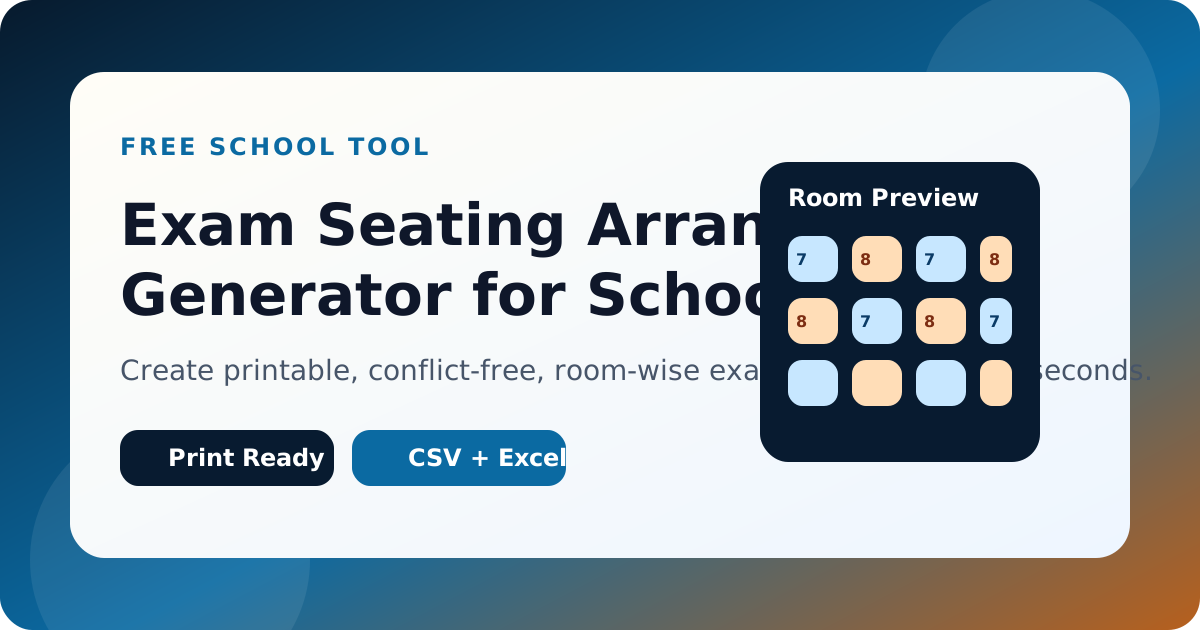
Social preview of the exam seating arrangement generator for discover and search results
A clean preview card helps this page look more shareable in social feeds, AI search previews, and Discover-style surfaces.

Manual work vs automatic exam seating plan generator

Task Manual process This generator
Seat allotment Repeated spreadsheet edits Automatic class-aware seat assignment
Absentees Recount and renumber by hand Remove skipped IDs before generation
Output Separate sheets for staff Print, PDF, CSV, and Excel export
Reuse Start from scratch each time Browser auto-save and JSON config files

Benefits

Why this school seating arrangement generator is built to outrank thin tool pages

Faster teacher workflow

Clear sections reduce setup friction, which improves completions and supports better engagement signals.

Discover-friendly visuals

Large custom SVG previews give the page stronger imagery without slowing the site with heavy assets.

Schema coverage

FAQ, Article, HowTo, Breadcrumb, and SoftwareApplication markup help search engines understand the page deeply.

AI answer blocks

Short, direct explanations align well with Google AI Overviews, conversational search, and voice queries.

Low-friction conversion

Print, download, share, and save actions are always close to the tool, which reduces abandonment.

FAQs

Frequently asked questions about exam seating plans

These answers are intentionally short and direct so they work for featured snippets, voice search, and AI-generated summaries.

How do I create an exam seating arrangement for a school? +

Add exam details, list each class with roll ranges, configure rooms, remove absent students, and click Generate Seating Plan. The tool then creates a printable room-wise exam seating chart.

Is this a free seating arrangement generator for teachers? +

Yes. It is a free school seating arrangement generator that runs in the browser and supports printing plus CSV and Excel export.

Can I generate seating charts for multiple classrooms? +

Yes. Add as many rooms as needed, each with its own row and column count, and the generator will distribute students across them.

Can I print or download the exam hall seating arrangement? +

Yes. After generation you can print the room-wise plan, save as PDF from the print dialog, or export CSV and Excel files.

Does the seating arrangement generator save my data? +

Yes. The page can save your latest setup in LocalStorage on this device, and you can also download a JSON copy for reuse.

What if I need blocked seats or more advanced controls? +

Open the advanced seating generator for multi-session setup, blocked seat mapping, and additional room strategies.

Shareability

Share this seating arrangement generator with your staff

Share buttons help teachers and administrators pass this page around quickly, which supports direct traffic, organic references, and practical word-of-mouth distribution.

Back To Generator

Internal Links And Resources

Useful internal and external references

CTA

Need a faster classroom setup? Generate the plan, print it, and save the config before the next exam cycle.